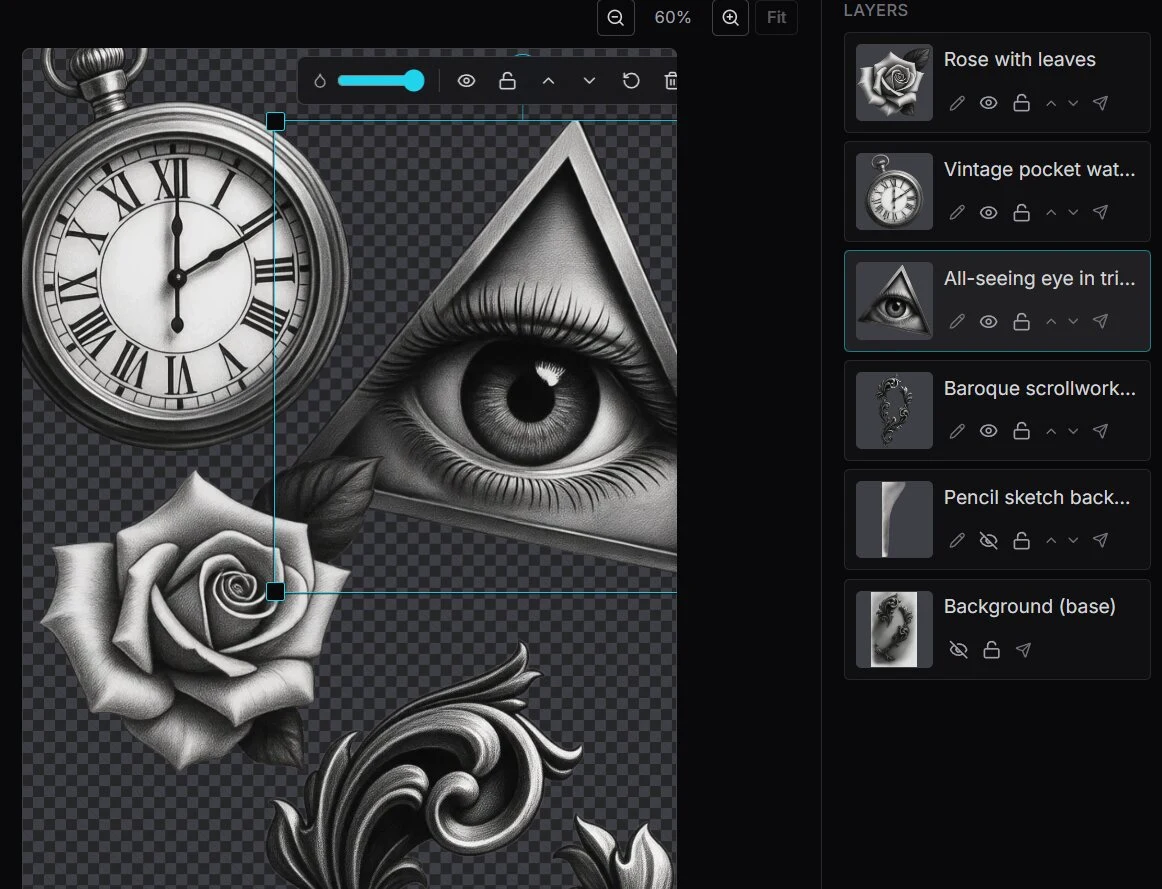


Change the background or style, split into layers, edit by area or expand the image.
edit.tattoostencilpro.app

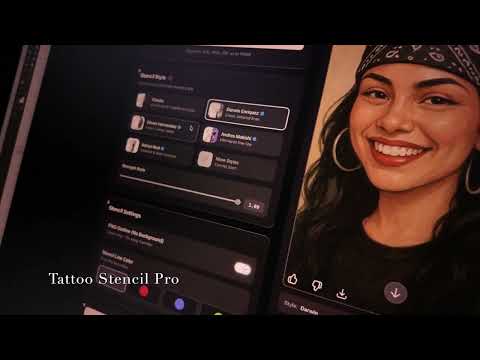
Any image becomes a clean stencil, in the line style you choose, in under a minute. Download it or print it at real size.
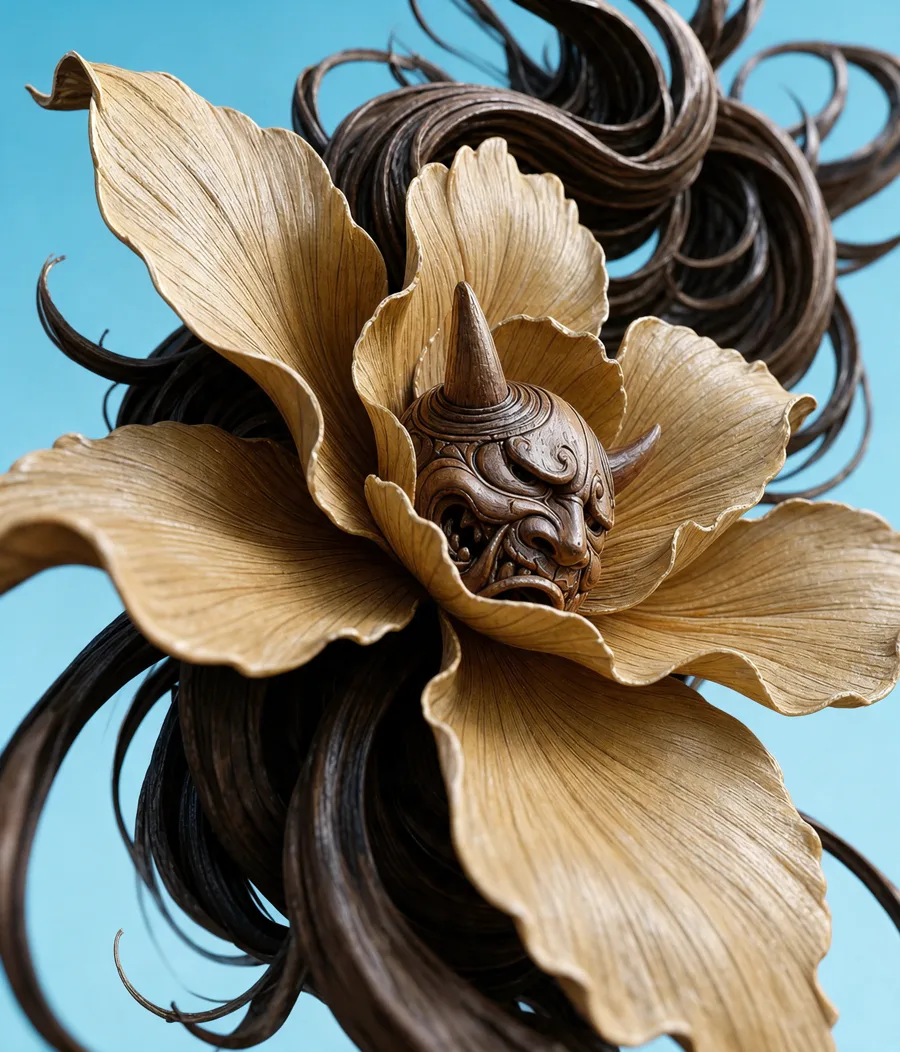
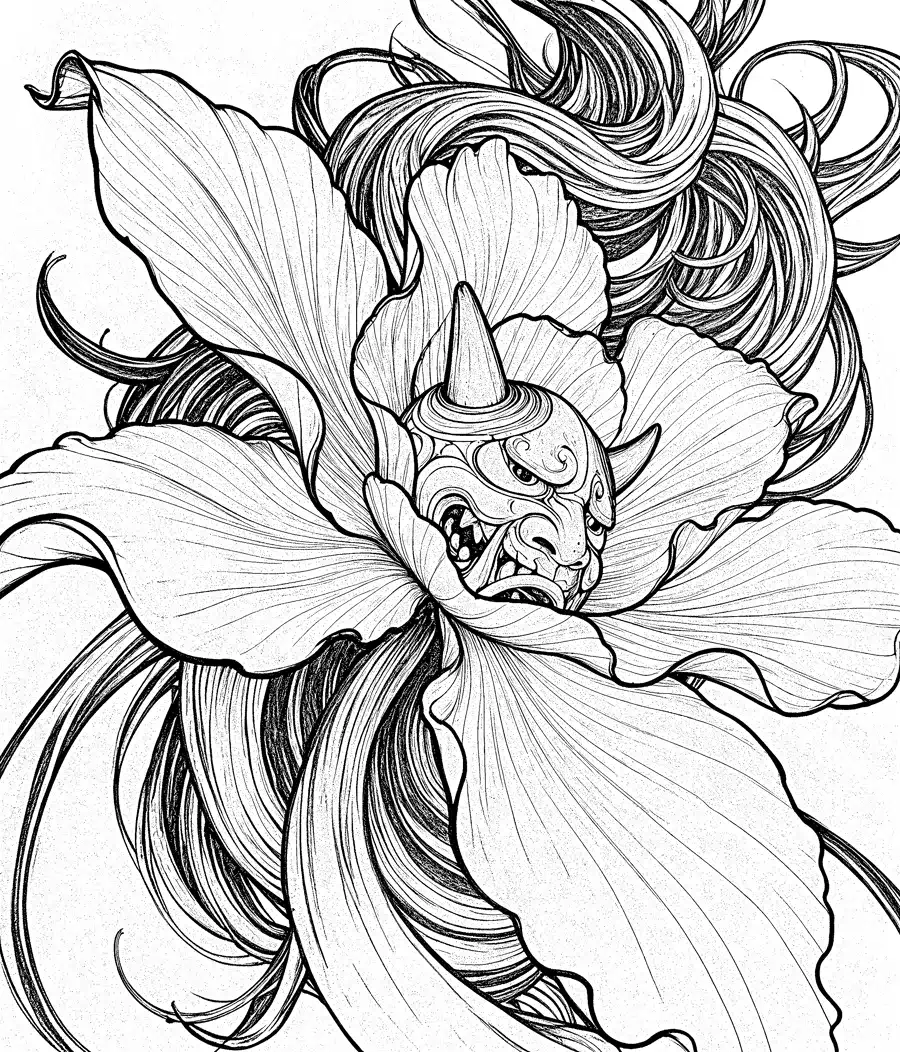
Models: Kuro 1.0, GPT Image 2.6, Grok 2.0, Seedream 5, Nano Banana, PowerLiner, and styles by tattoo artists.
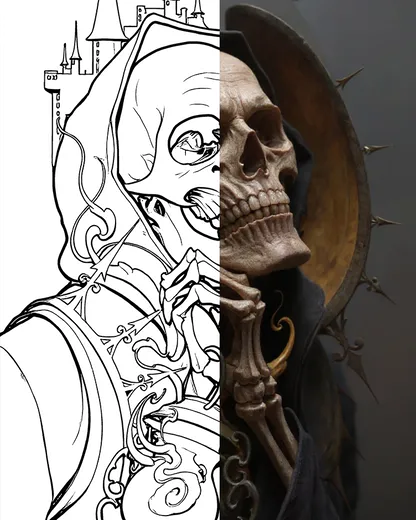
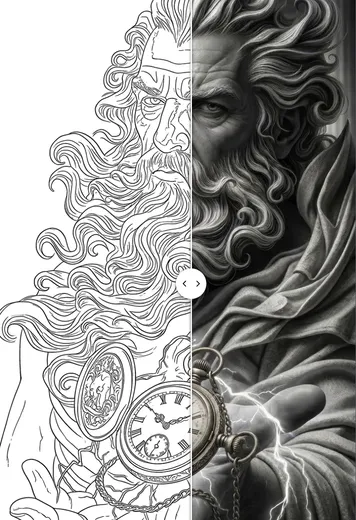
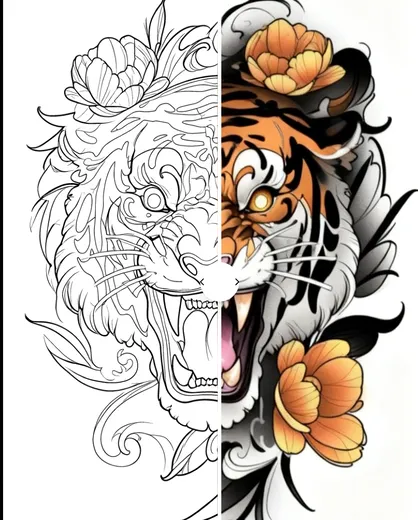
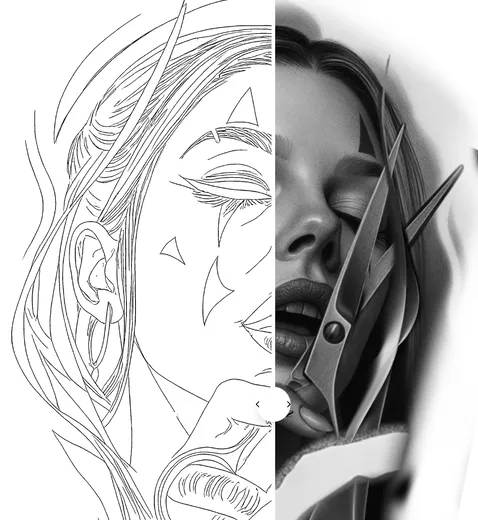
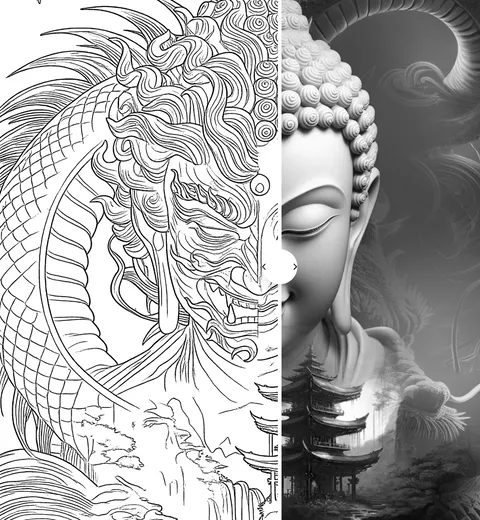
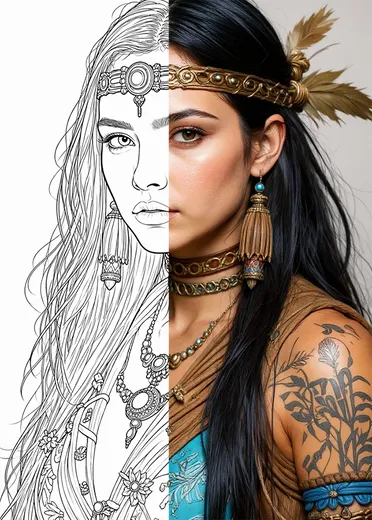
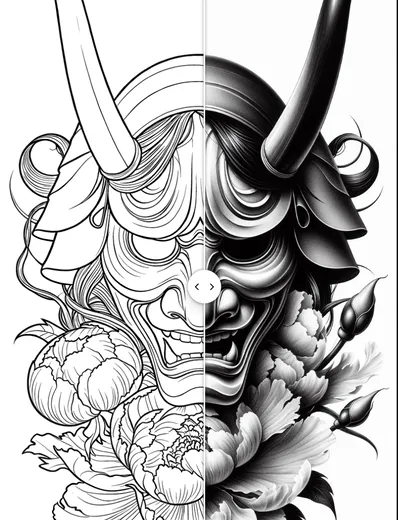
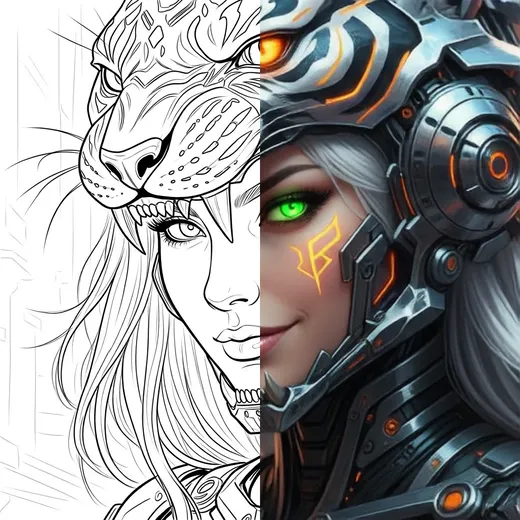
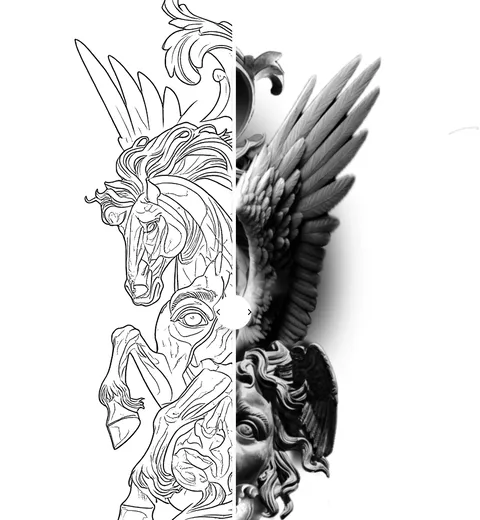
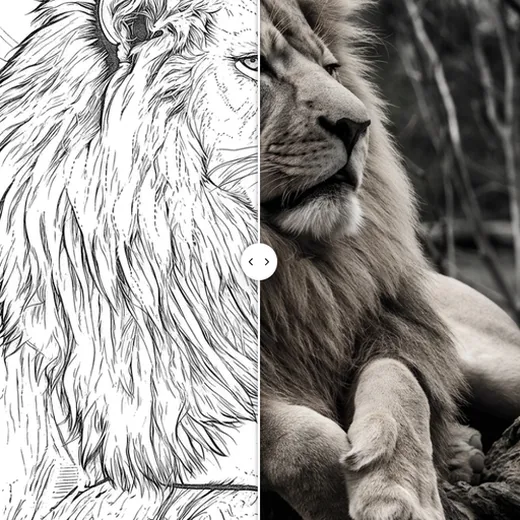
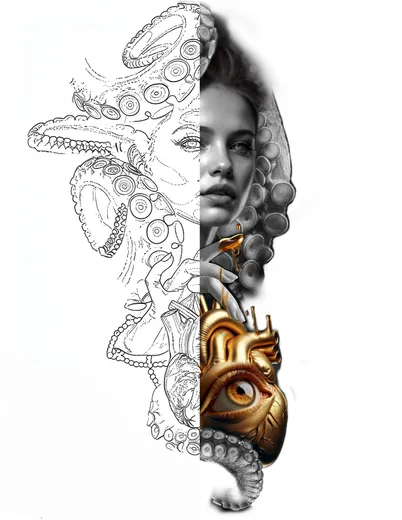
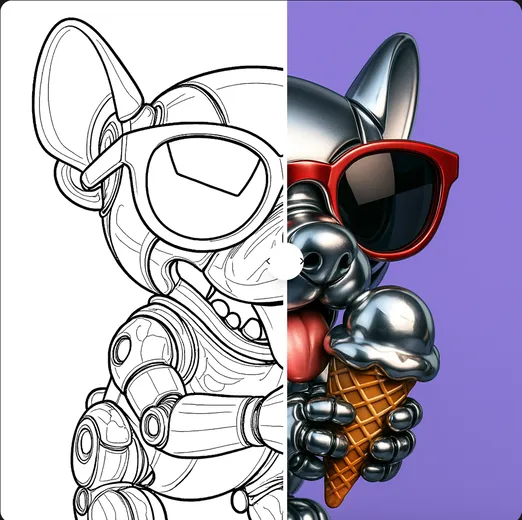
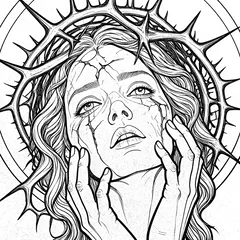
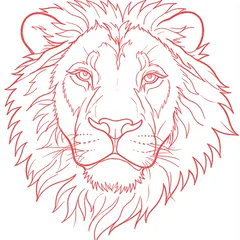
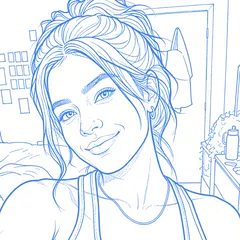
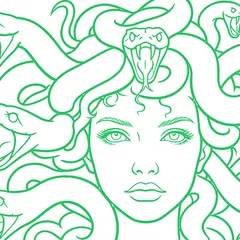
Each Kuro 1.0 style decides how much detail goes into the stencil. These are real results from the app, unretouched.
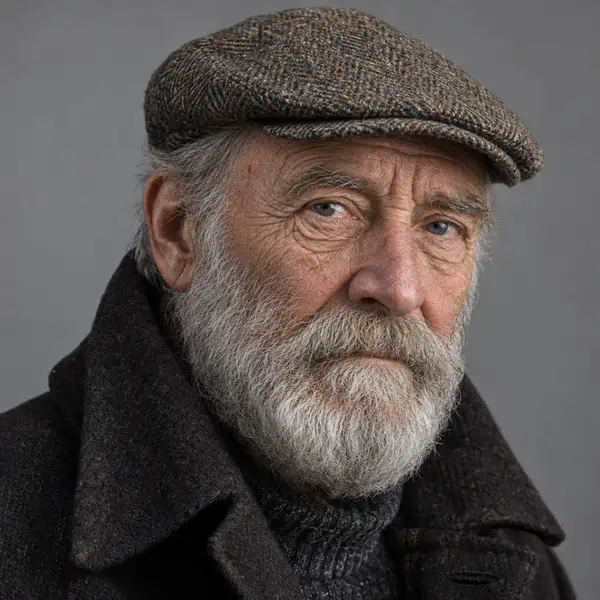
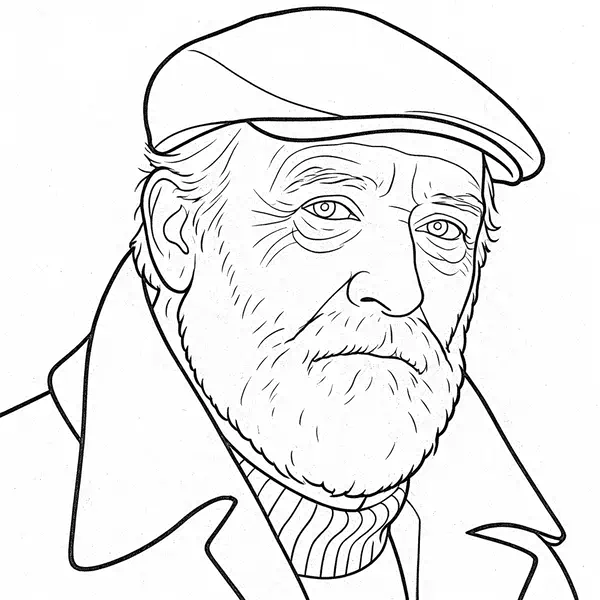
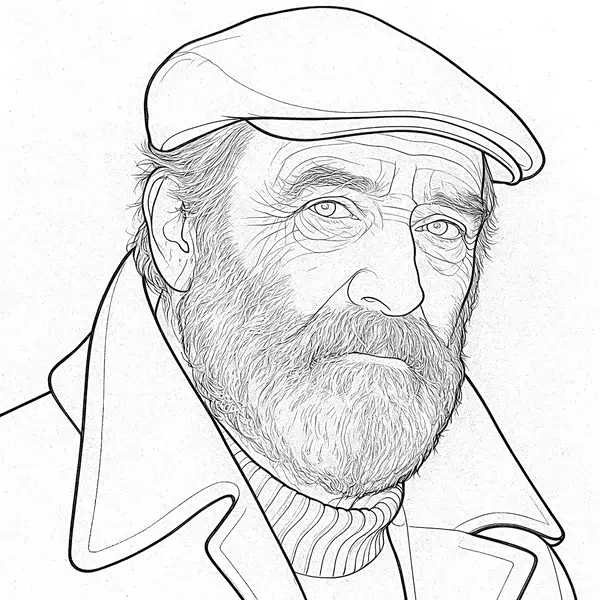
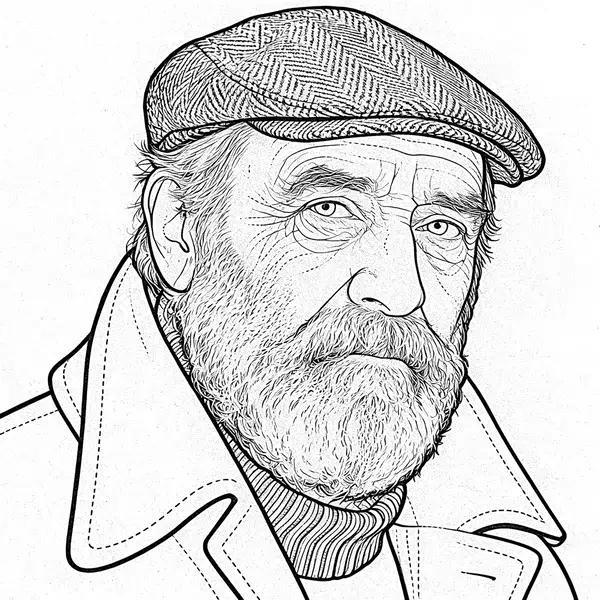
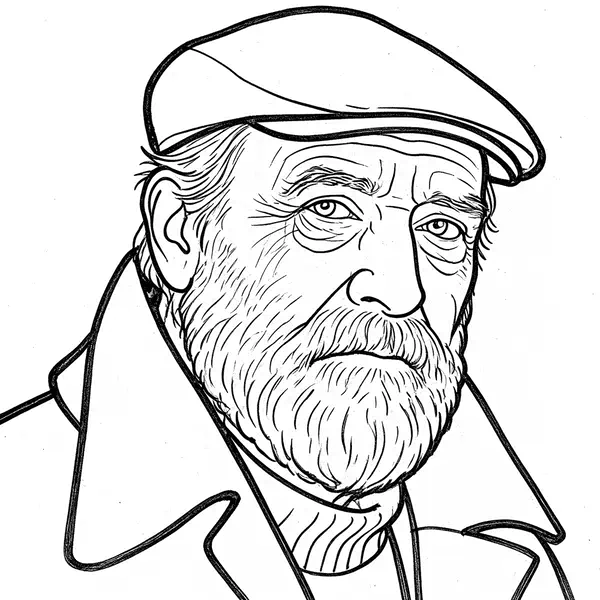
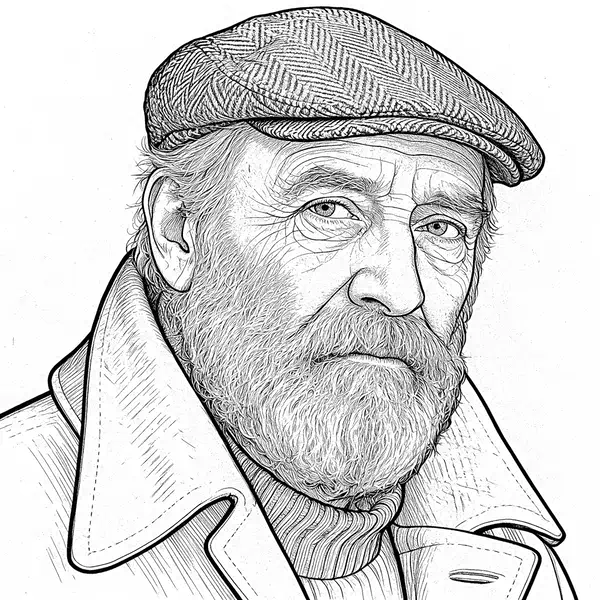
Four real stencils made in the app, one in each line color.
Layer editing that never destroys anything: thicken the line, erase what you don't need or draw on top, with the original as a guide.
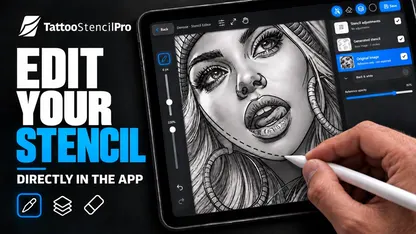 Watch the tutorialHow to edit your stencil · 3 min
Split the stencil across sheets the size of your printer paper and enlarge it without the line getting thicker.
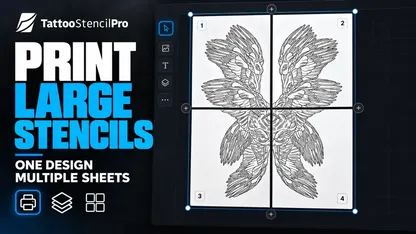 Watch the tutorialHow to print a large stencil · 3 min
Time-wise, I think I'm saving around an hour and a half.«En tiempo, yo creo que me estoy ahorrando por ahí hora y media.»YorshI like how it marks every detail, every bit of shading.«Me gusta cómo marca cada detalle, cada sombrita.»Bryan · Seedream 5 Pro · RealismFor me it's the most incredible option in Tattoo Stencil Pro.«Me parece la opción más increíble del Tattoo Stencil Pro.»Nicolás · RealismNot just the lines, the shading too.«No solo las líneas, sino también las sombras.»CamiloTwo separate apps, each with its own account and plan.
It depends on the work you do. TattooStencilPro is the best option when you need stencils of portraits and realism (it has its own Portrait and Realism styles), large pieces printed across several sheets without the line getting thicker, or a stencil you can keep fixing in layers. It was created by a working tattoo artist, more than 1.7 million stencils have already been made with it, it runs in the browser and on iPhone and iPad, and it gives you 5 free credits so you can compare it with what you use today.
Upload a sharp image to TattooStencilPro, pick the line style (Outline, Fine Line, Realism, Bold Line or Portrait) and press create. The stencil is ready in under a minute. If it needs it, fix it in the editor, then download it or print it at real size.
Yes, if the tool is built for it. Filters that only trace edges lose the likeness on faces. Kuro 1.0, TattooStencilPro's own model, has a Portrait style that keeps features and expression, and a Realism style that adds shading detail. The examples on this page are real results from the app, unretouched.
With Prepare print. Pick your printer's paper, add sheets until they cover the size you need and enlarge the design. The line thickness stays the same when you enlarge, and each sheet is saved or printed at 100% scale so they line up when you join them.
TattooStencilPro runs in the browser with nothing to install. When you create your account you get 5 free credits for the Stencil Generator and 10 for the Image Enhancer.
Outline leaves just the contour, clean and closed. Fine Line uses thin lines, true to the original. Realism, the recommended one, adds shading detail. Bold Line gives a thick, strong line. Portrait is made for faces: features and expression.
Yes. The line color can be black, red, blue or green, and you can also change it later in the editor for the whole layer.
Yes. The editor works in layers and never destroys anything: brush and eraser, line thickness, line color and one-tap adjustments (Clean, Darker and Bold lines). The original stays underneath as a guide and is not exported.
Kuro 1.0, its in-house model, plus GPT Image 2.6, Grok 2.0, Seedream 5, Nano Banana and PowerLiner, and styles by tattoo artists. New ones are added as they come out.
There is an app for iPhone and iPad on the App Store (iOS 17.6 or later). On Android and on a computer you use it in the browser, at stencil.tattoostencilpro.app.
No. TattooStencilPro, written as one word, is the app created by tattoo artist Darwin Enriquez, founder of InkNation Studio. Its website is tattoostencilpro.app and on the App Store it is listed as “TattooStencilPro - AI Powered”. Apps with similar names belong to other developers.
Yes. Tattoo Edit changes the background or style of a design, splits it into layers, edits by area or expands the image. RealGenMotion, from the same team, makes AI video: UGC videos, real estate videos, consistent characters and your cloned voice.